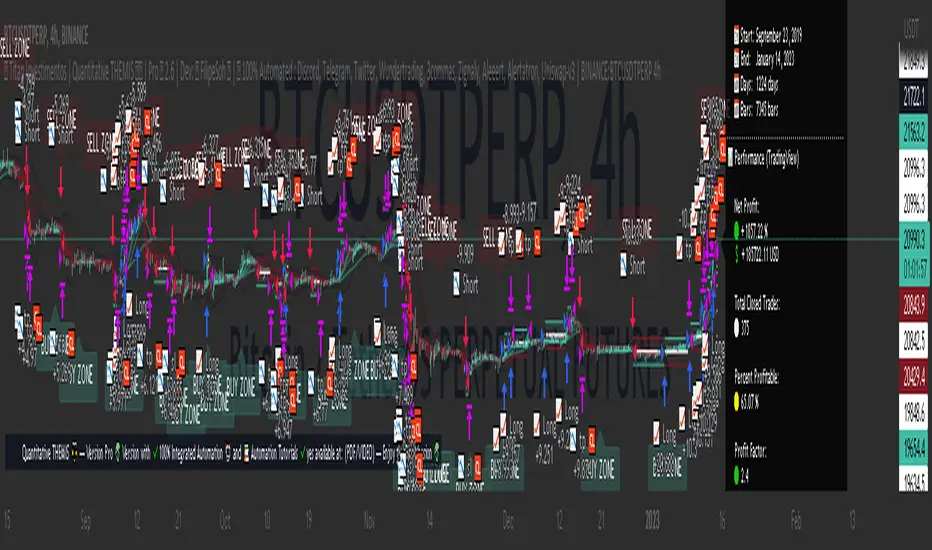
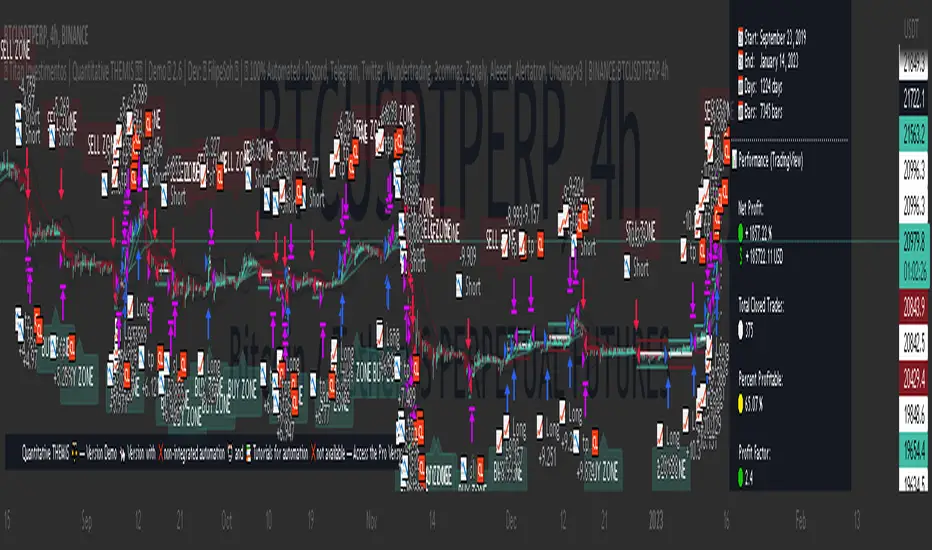
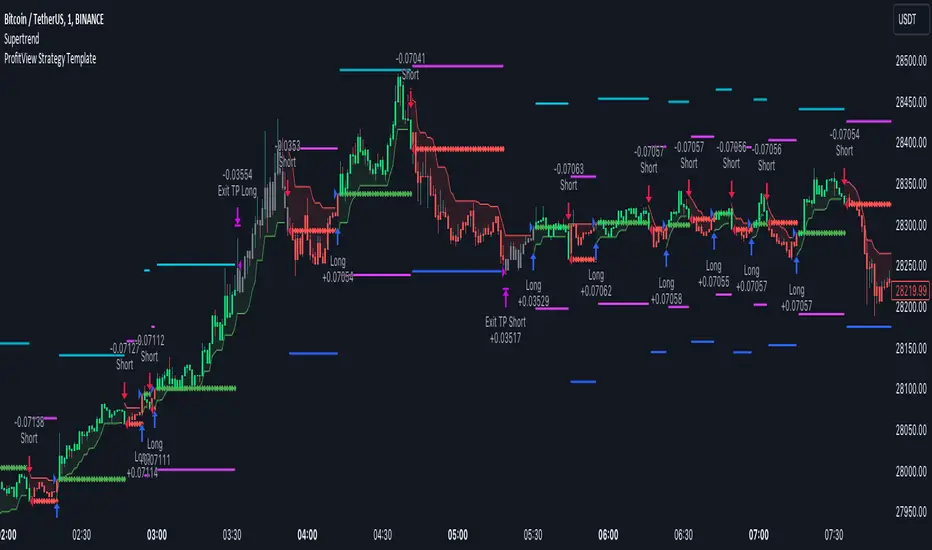
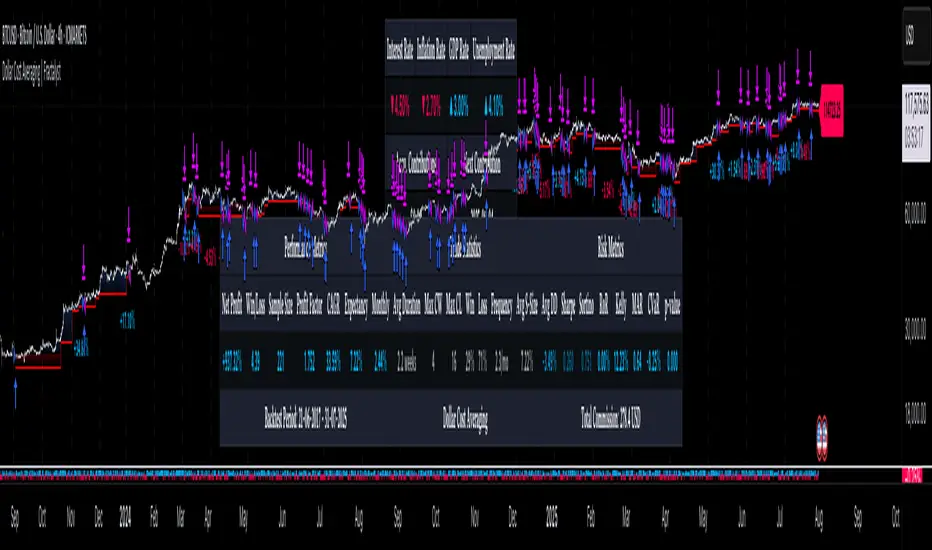
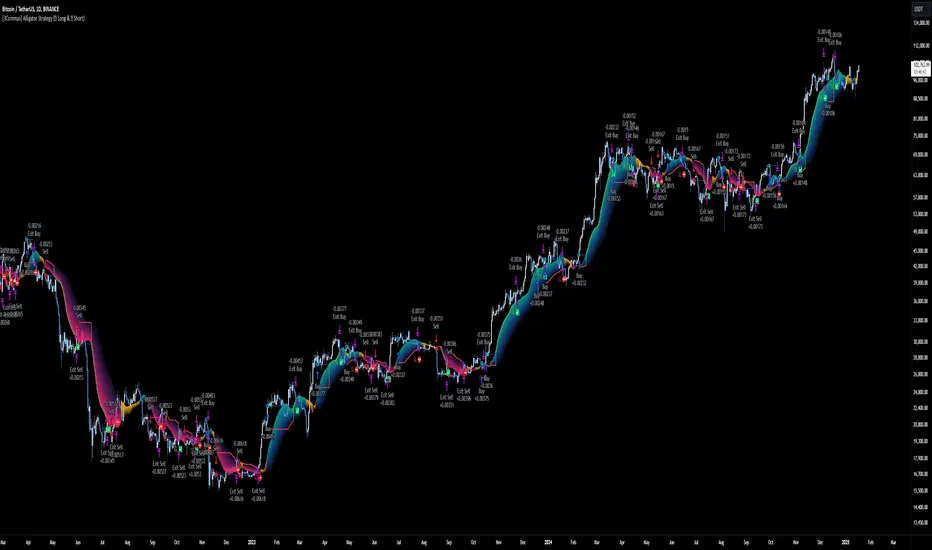
Intraday Momentum Signals This is an advanced divergence detection strategy designed to identify potential market reversals by analyzing the relationship between price action and momentum oscillator patterns. The strategy automatically detects divergence signals and executes trades based on configurable parameters.
⚠️ CRITICAL DISCLAIMER
READ THIS CAREFULLY BEFORE USING THIS STRATEGY:
This is NOT Financial Advice
❌ This is NOT a buy signal generator
❌ This is NOT a sell signal recommendation
❌ This is NOT investment advice
❌ This is NOT a guaranteed profit system
❌ This is NOT a substitute for professional financial guidance
Educational Purpose Only
✅ This tool is for educational and research purposes ONLY
✅ Provided for technical analysis learning
✅ Intended for strategy backtesting and study
✅ Use at your own risk and responsibility
Your Responsibility
🔍 DO YOUR OWN RESEARCH before making any trading decisions
🔍 VALIDATE all signals independently
🔍 BACKTEST thoroughly on historical data
🔍 PAPER TRADE before risking real capital
🔍 CONSULT a licensed financial advisor or SEBI-registered professional
🔍 UNDERSTAND the risks involved in trading
Risk Warning
⚠️ Trading involves substantial risk of loss
⚠️ You can lose your entire capital
⚠️ Past performance does NOT guarantee future results
⚠️ No strategy works 100% of the time
⚠️ Market conditions constantly change
⚠️ Never risk money you cannot afford to lose
Legal Notice
By using this strategy, you acknowledge that:
You are solely responsible for your trading decisions
The creator assumes no liability for your losses
You will not hold anyone responsible for outcomes
You understand this is not personalized advice
You agree to trade at your own discretion and risk
🎯 Best Use Cases
This strategy is primarily designed for intraday trading and works optimally on shorter timeframes:
Recommended Timeframes
✅ 3-minute charts - Ultra-short scalping (High risk, requires constant monitoring)
✅ 5-minute charts - MOST RECOMMENDED for intraday
✅ 15-minute charts - Balanced intraday approach
✅ 30-minute charts - Swing intraday positions
⚠️ 1-hour charts - Fewer signals but potentially higher quality
NOT Recommended For
❌ Daily or weekly timeframes
❌ Long-term investing
❌ Position trading
❌ Swing trading (multi-day holds)
Why Intraday? The divergence detection logic is specifically optimized for intraday price movements and momentum oscillations that occur within a single trading session.
🔧 Core Features
1. Divergence Detection Engine
The strategy identifies four types of divergence patterns:
Regular Bullish (UP) - Price makes lower lows while oscillator makes higher lows (potential reversal up)
Hidden Bullish (L+) - Price makes higher lows while oscillator makes lower lows (trend continuation)
Regular Bearish (DN) - Price makes higher highs while oscillator makes lower highs (potential reversal down)
Hidden Bearish (S+) - Price makes lower highs while oscillator makes higher highs (trend continuation)
2. Configurable Parameters
Oscillator Settings:
Period Length (default: 9) - Controls sensitivity
Source (default: close price) - Can use OHLC
Lookback Right/Left - Pivot detection sensitivity
Lookback Range (5-60) - Time window for divergence comparison
Exit Strategy:
Take Profit Level (default: 80) - Oscillator level for profit booking
Stop Loss Options: ATR-based, Percentage-based, or None
Trailing Stop Loss - Dynamic risk management
Visual Controls:
Toggle each divergence type on/off
Customizable dashboard position (4 corners)
Clear visual signals on oscillator panel
3. Risk Management System
The strategy includes three stop-loss mechanisms:
A) ATR Trailing Stop (Recommended for volatile markets)
Dynamically adjusts based on market volatility
Uses Average True Range multiplier
Trails as position moves in profit
B) Percentage Stop (Fixed risk)
Set percentage from entry price
Simple and predictable
Good for consistent position sizing
C) Manual Exit (Signal-based only)
Exits on oscillator threshold
Exits on counter-divergence signal
No automatic stop loss
4. Performance Dashboard
Real-time comprehensive statistics:
MetricDescriptionTotal TradesNumber of completed tradesWin RatePercentage of profitable tradesWinning TradesCount of profitable positionsLosing TradesCount of loss-making positionsNet ProfitTotal profit/loss in currencyProfit FactorGross profit ÷ Gross lossAvg WinAverage winning trade amountAvg LossAverage losing trade amountLargest WinBest single trade profitLargest LossWorst single trade loss
Color Coding:
🟢 Green - Positive/Good metrics (Win rate >60%, PF >2)
🟠 Orange - Neutral metrics (Win rate 50-60%, PF 1-2)
🔴 Red - Negative/Poor metrics (Win rate <50%, PF <1)
📈 How The Strategy Works
Signal Generation Process
Continuous Monitoring
Strategy scans every bar for pivot points
Compares current pivot with historical pivots
Checks for divergence between price and oscillator
Entry Trigger
Valid divergence pattern detected
Lookback range conditions met
Automatic long position opened
Entry price and stops calculated
Position Management
Selected stop-loss mechanism activated
Trailing stop updates on each bar (if enabled)
Take-profit level monitored
Exit Execution
Oscillator crosses take-profit threshold, OR
Opposite divergence signal appears, OR
Stop-loss triggered
Performance Logging
Trade recorded in statistics
Dashboard updated in real-time
Profit/loss calculated and displayed
⚙️ Recommended Settings for Intraday
🕐 For 3-Minute Charts (Scalping)
Period: 9-12
Lookback Range: 5-40 bars
Take Profit Level: 80-85
Stop Loss: 2-3% OR ATR (14, 2.5x)
Use Case: Rapid entries/exits, high frequency, requires constant attention
🕔 For 5-Minute Charts (MOST POPULAR)
Period: 9-14
Lookback Range: 5-60 bars
Take Profit Level: 75-80
Stop Loss: 3-5% OR ATR (14, 3.5x)
Use Case: Balanced risk/reward, good signal frequency, manageable monitoring
🕒 For 15-Minute Charts (Swing Intraday)
Period: 9-14
Lookback Range: 5-60 bars
Take Profit Level: 70-80
Stop Loss: 4-6% OR ATR (14, 3.5x)
Use Case: Fewer but higher quality signals, less screen time
🕧 For 30-Minute Charts
Period: 12-14
Lookback Range: 5-60 bars
Take Profit Level: 70-75
Stop Loss: 5-7% OR ATR (14, 4.0x)
Use Case: Extended intraday positions, better for part-time traders
📝 Important Usage Notes
Strategy Configuration
✅ Works in both indicator and strategy modes
✅ Pyramiding: Up to 2 concurrent positions allowed
✅ Default capital: ₹100,000 (customizable)
✅ Fixed quantity: 2 units per trade (customizable)
✅ Currency: INR (can be changed)
Visual Signals
Visual divergence signals plotted on oscillator panel (not price chart)
Entry/exit labels show profit/loss for each closed trade
Lines and shapes clearly mark divergence points
Dashboard provides at-a-glance performance overview
Limitations
⚠️ Divergences are lagging by nature (require confirmed pivots)
⚠️ Not all divergences result in reversals
⚠️ False signals increase in choppy/ranging markets
⚠️ Requires minimum volatility to function properly
⚠️ Performance degrades in strong trending markets (for counter-trend setups)
🎨 Visual Elements Explained
Oscillator Panel
Blue solid line - Main momentum oscillator (0-100 range)
Dotted line at 70 - Overbought threshold
Dotted line at 30 - Oversold threshold
Dotted line at 50 - Centerline (bullish above, bearish below)
Shaded background - Visual reference zone
Divergence Markers
Blue solid dots/lines - Regular bullish divergence
Light blue dots/lines - Hidden bullish divergence
Red solid dots/lines - Regular bearish divergence
Orange dots/lines - Hidden bearish divergence
Labels
"UP" label - Long entry on regular bullish divergence
"L+" label - Long entry on hidden bullish divergence
"DN" label - Potential exit/reversal (bearish divergence)
"S+" label - Potential exit/reversal (hidden bearish)
⚡ Performance Optimization Tips
Before Going Live
Backtest Extensively
Test on at least 6-12 months of historical data
Use different market conditions (trending, ranging, volatile)
Check performance across multiple instruments
Paper Trade First
Practice on demo account for minimum 1 month
Validate signals manually before trusting automation
Understand why trades win or lose
Optimize Parameters
Adjust lookback ranges for your specific market
Fine-tune take-profit levels based on average moves
Test different stop-loss methods
Monitor win rate - aim for >50% minimum
Risk Management
Never risk more than 1-2% of capital per trade
Use position sizing based on stop distance
Set maximum daily loss limits
Keep a trading journal
During Live Trading
✅ Monitor market conditions (trending vs ranging)
✅ Avoid trading during major news events
✅ Respect your stop losses - never remove them
✅ Take partial profits if trade moves significantly
✅ Review and adapt based on actual performance
Red Flags to Watch
🚩 Win rate suddenly drops below 40%
🚩 Profit factor falls below 1.0
🚩 Average loss exceeds average win
🚩 Consecutive losing streak (5+ trades)
🚩 Strategy stops generating signals
If you see these signs: Stop trading, re-evaluate parameters, check market conditions, or consider if market character has changed.
🔬 Research & Development Suggestions
Since you must DO YOUR OWN RESEARCH, here are areas to explore:
Parameter Optimization
Test different oscillator periods for your instrument
Experiment with lookback ranges
Find optimal take-profit levels through data analysis
Compare ATR vs percentage stops
Market Selection
Which stocks/indices show best results?
Does it work better in certain sectors?
Intraday vs specific session times (opening, closing)
Combination Strategies
Add volume filters
Combine with trend indicators
Use support/resistance confirmation
Add fundamental filters for stock selection
Risk Improvements
Implement time-based exits (close before market close)
Add volatility filters
Create different parameter sets for different market conditions
📚 Educational Resources
To properly understand and research this strategy:
Study divergence trading concepts thoroughly
Learn about momentum oscillators and their behavior
Understand pivot points and how they form
Research market psychology behind reversals
Learn proper position sizing and risk management
Study technical analysis fundamentals
Recommended Learning Path:
Technical Analysis basics
Oscillator indicators deep dive
Divergence patterns and their reliability
Backtesting methodologies
Risk and money management
Trading psychology
✋ Final Reminder
BEFORE YOU CLICK "BUY" OR "SELL":
✅ Have you backtested this thoroughly?
✅ Have you paper traded for at least 1 month?
✅ Do you understand WHY each signal triggers?
✅ Have you calculated your position size properly?
✅ Have you set your stop loss?
✅ Can you afford to lose this money completely?
✅ Have you consulted a financial professional?
✅ Are you trading with a clear, calm mind?
If you answered NO to any of these - DO NOT TRADE YET.
📞 Support & Responsibility
This strategy code is provided "as-is"
No warranty or guarantee of any kind
User assumes all responsibility and risk
Past results do not predict future performance
Creator is not liable for any trading losses
Trading is risky. Most traders lose money. Trade responsibly or not at all.
Strategi Pine Script®